Storefront Home Page
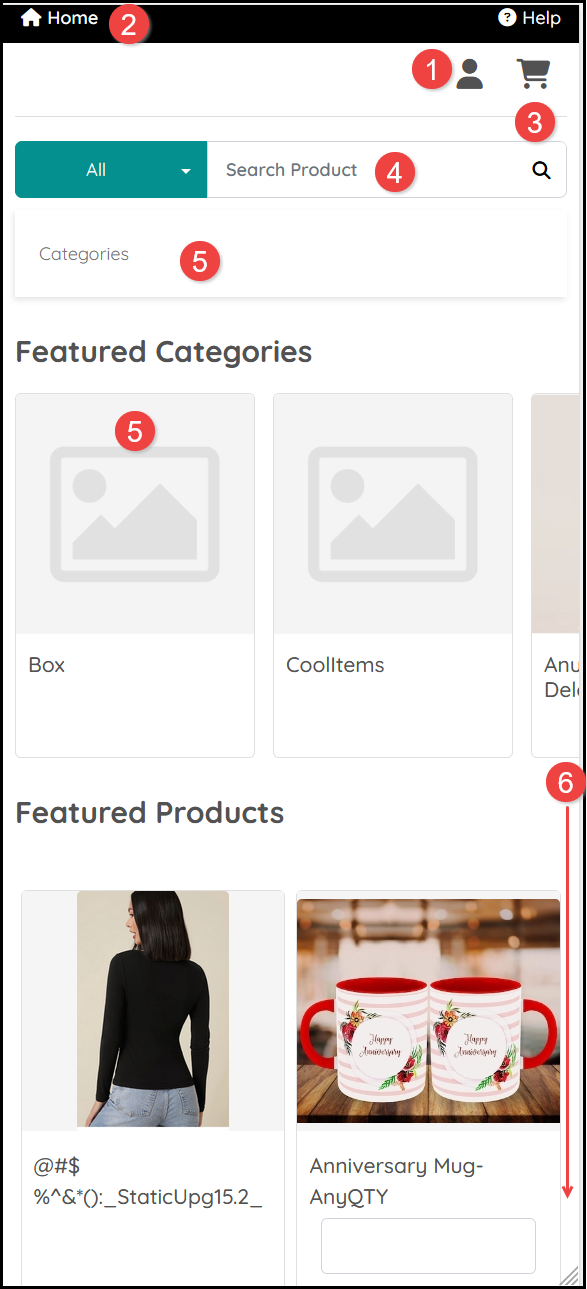
Store products can be viewed and purchased on a Mobile device though we would recommend using a larger screen if you are purchasing products which require significant design changes and bulk personalizations. The content is the same on all devices though the positioning of information may be different when using smaller screen sizes:
- Login. Once logged in select the icon to select options in your Account menu.
- Return to the Home page for the Store.
- View your Shopping Cart and process orders.
- Search for a Product.
- Select a Category or a Featured Category.
- Scroll to view Products.
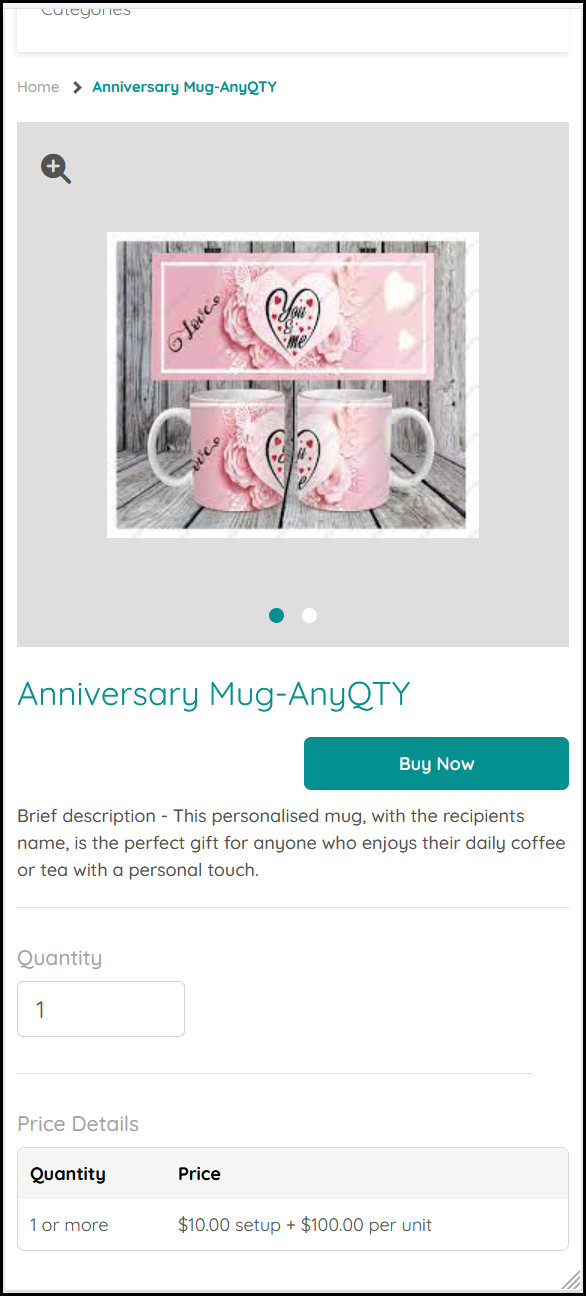
Select a product to view further details and add further information about your purchase requirement from the options available:
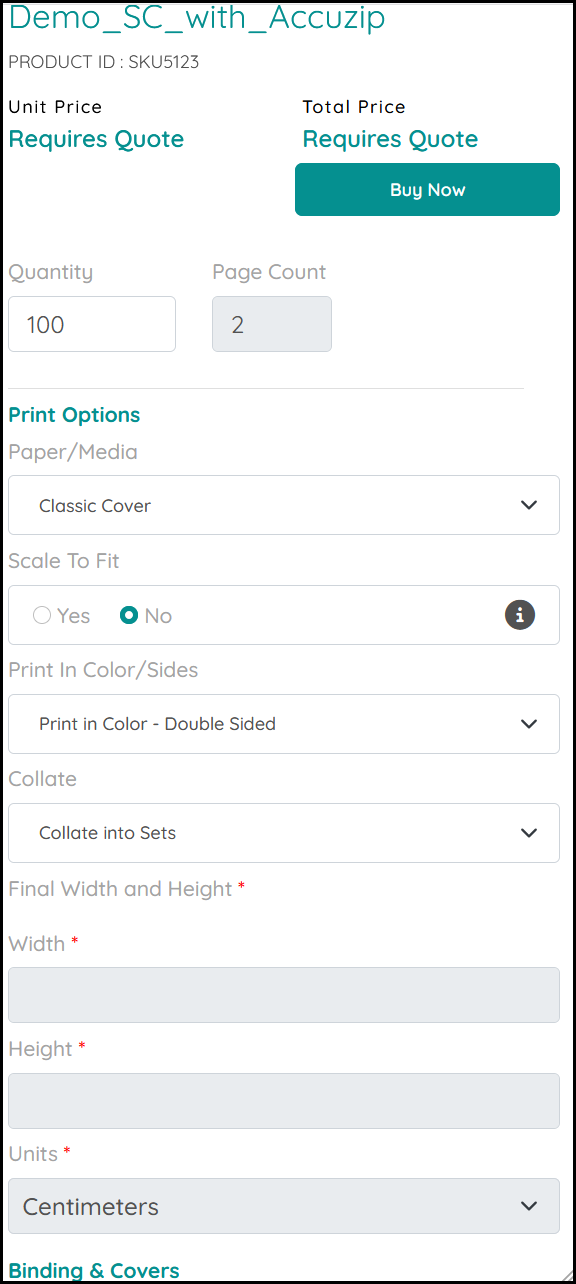
Products may include other options indicated by a link or menu:
See also: